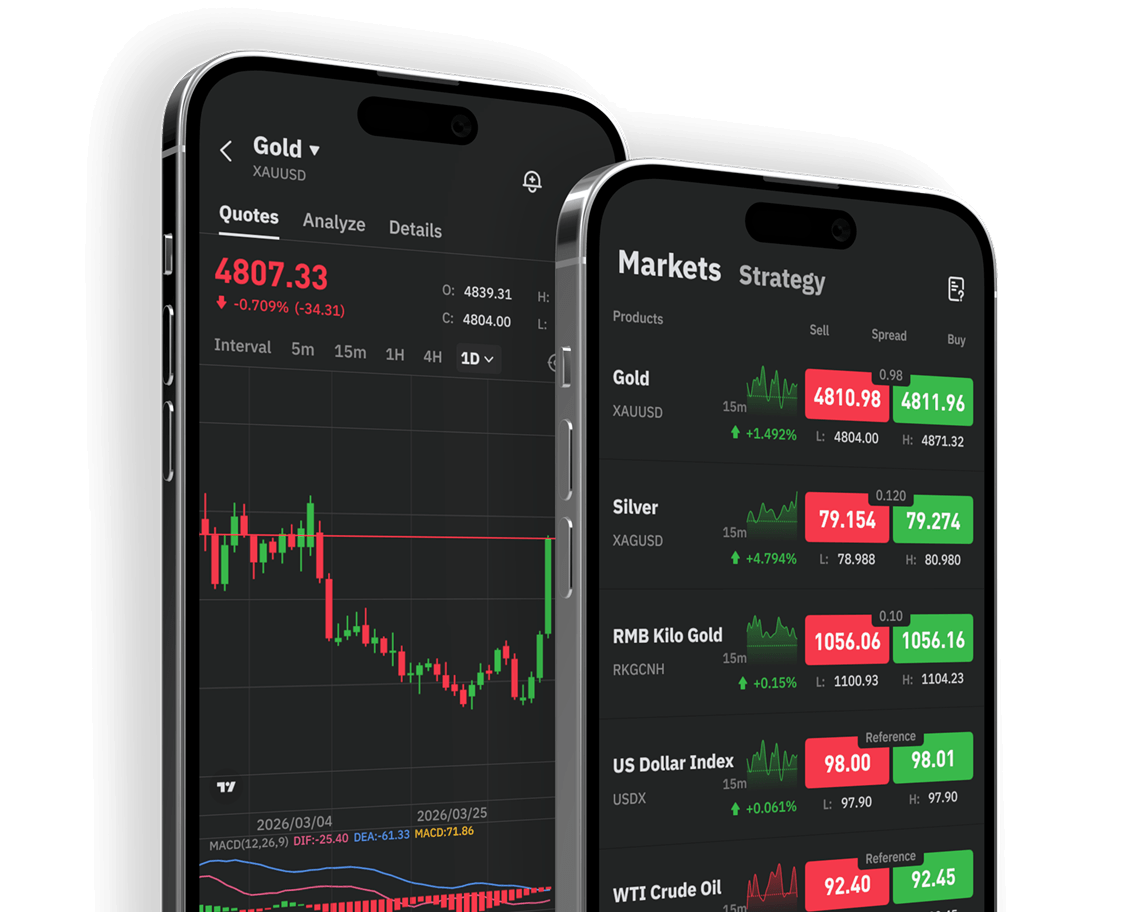


MT5 is a widely used financial trading platform that supports installation on mobile devices. For Android users, downloading the application through official channels is essential to ensure account security and stable performance.
This article outlines the basic download process for the MT5 Android version, including preparation steps, download methods, and installation considerations.
1. Preparation Before Downloading
1. Check Device Compatibility
Ensure your Android system version, device performance, and storage capacity meet the requirements for installation and operation.
2. Maintain a Stable Internet Connection
Download and installation should be completed under a stable network environment to avoid interruptions or file corruption.
3. Reserve Sufficient Storage Space
After installation, chart data, cache files, and future updates will require additional storage space.
2. Common Download Methods
Method 1: Download from the Official MT5 Website
Search for the official MT5 website via your Android browser and locate the Android download section. Downloading from official sources improves clarity and security.
Method 2: Download from Official Android App Stores
Search for “MetaTrader 5” in major Android app stores. Before installing, verify the application name, developer information, and version details to avoid unofficial copies.
Method 3: Download via a Broker’s Official Website
Some trading platforms provide download guidance on their official websites or apps. If using this method, confirm that you are accessing the legitimate official site.
3. What to Do After Installation
It is advisable not to trade immediately after installation. Instead:
➢ Log into your account
➢ Familiarize yourself with the interface layout
➢ Review live price quotes
➢ Learn how to switch timeframes
➢ Understand order placement, stop-loss/take-profit settings, and position monitoring
➢ Practice first using a demo account
4. Installation Safety Considerations
1. Avoid Unknown Installation Files
Installing applications from unclear sources may compromise security and stability.
2. Verify the Authenticity of Download Links
Whether using a website, app store, or broker page, confirm the legitimacy of the source.
3. Protect Your Account Information
Keep login credentials secure and avoid accessing your account on unsecured networks.
5. Why Start with a Demo Account?
For beginners, downloading the software is only the first step.
A demo account allows users to practice:
➢ Monitoring market charts
➢ Placing orders
➢ Setting stop-loss and take-profit levels
➢ Understanding order types
➢ Reviewing open positions and trade history
Conclusion
Downloading the MT5 Android version is straightforward when using official channels. New users are encouraged to complete installation, login, and demo practice before moving to live trading for a more stable learning experience.
Risk Disclosure
Precious metals and CFD trading involve risk. Leverage may amplify both gains and losses. This material is for educational purposes only and does not constitute investment advice. Please fully understand the relevant product rules and risks before making any investment decisions.